Cameleon
The native painting studio for MorphOS
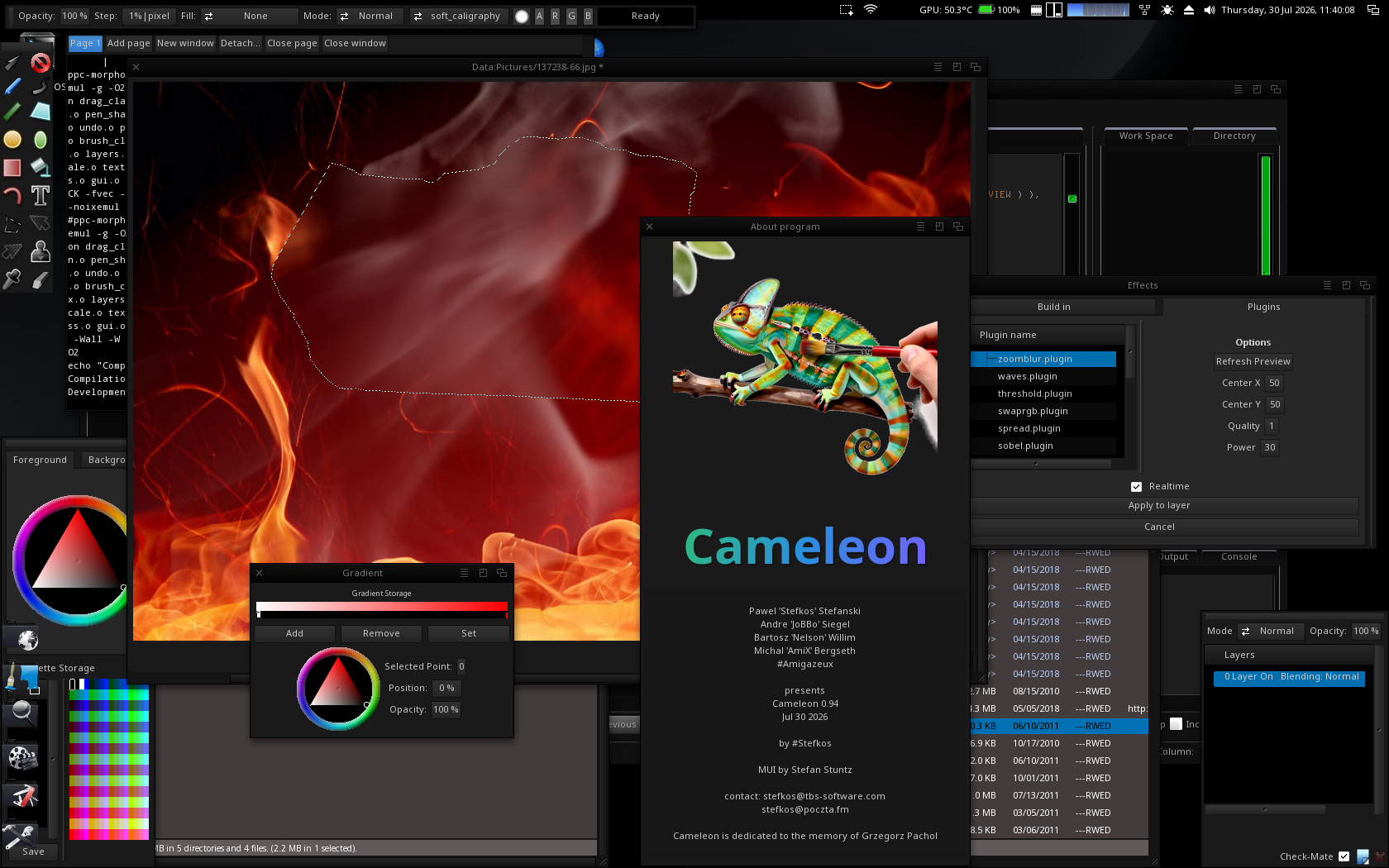
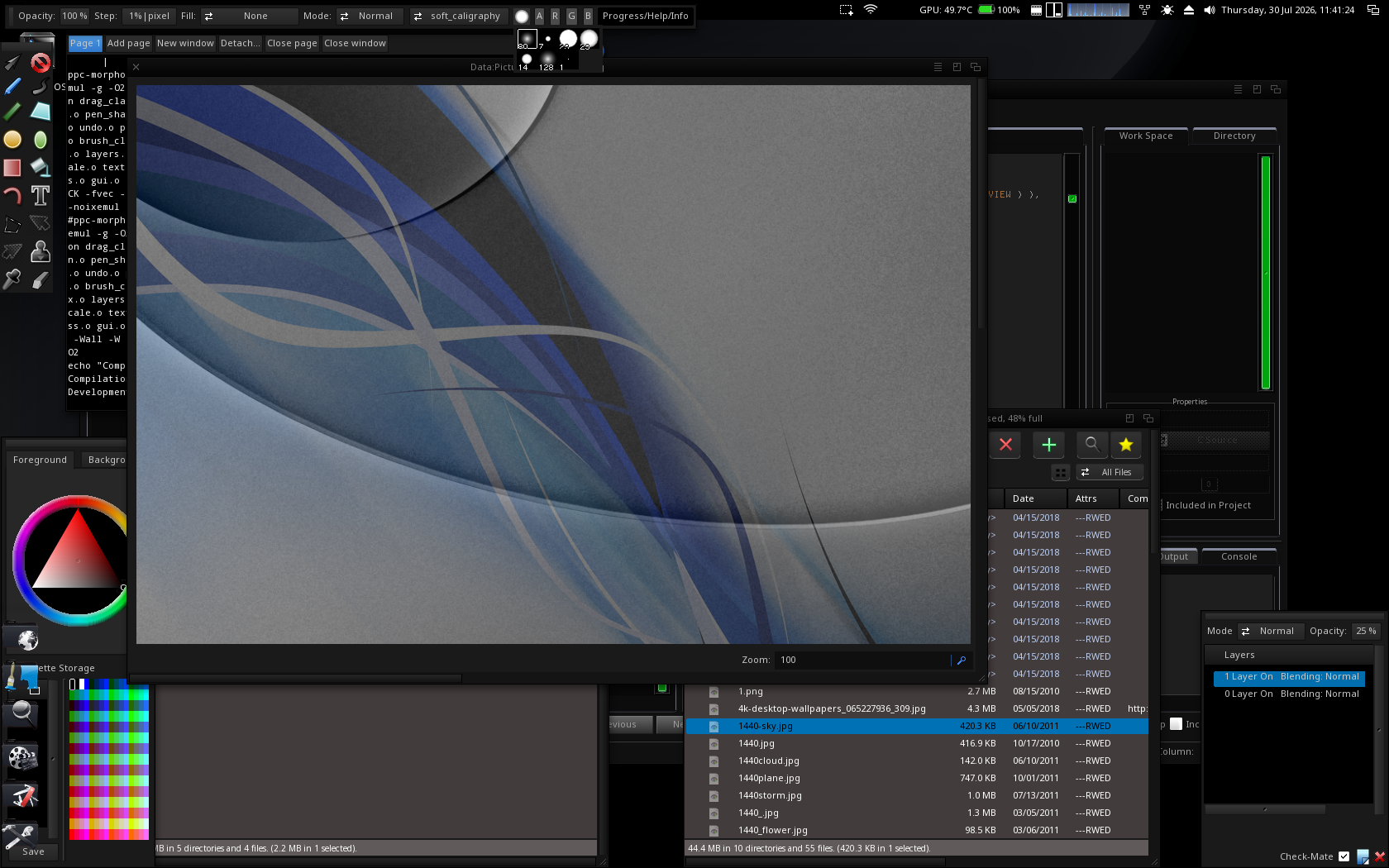
A fast, layer-based paint and image-editing program with live on-canvas previews, layer masks, tone curves, effects and plugins — built natively for MorphOS with MUI.
Version 1.4
Features
🧩
Smart Objects & Smart Filters
🧭
Navigator, Info, Histogram & Channels
🎬
Actions, Batch & scripts
📁
Layer groups & styles
🎚️
Adjustment layers
✒️
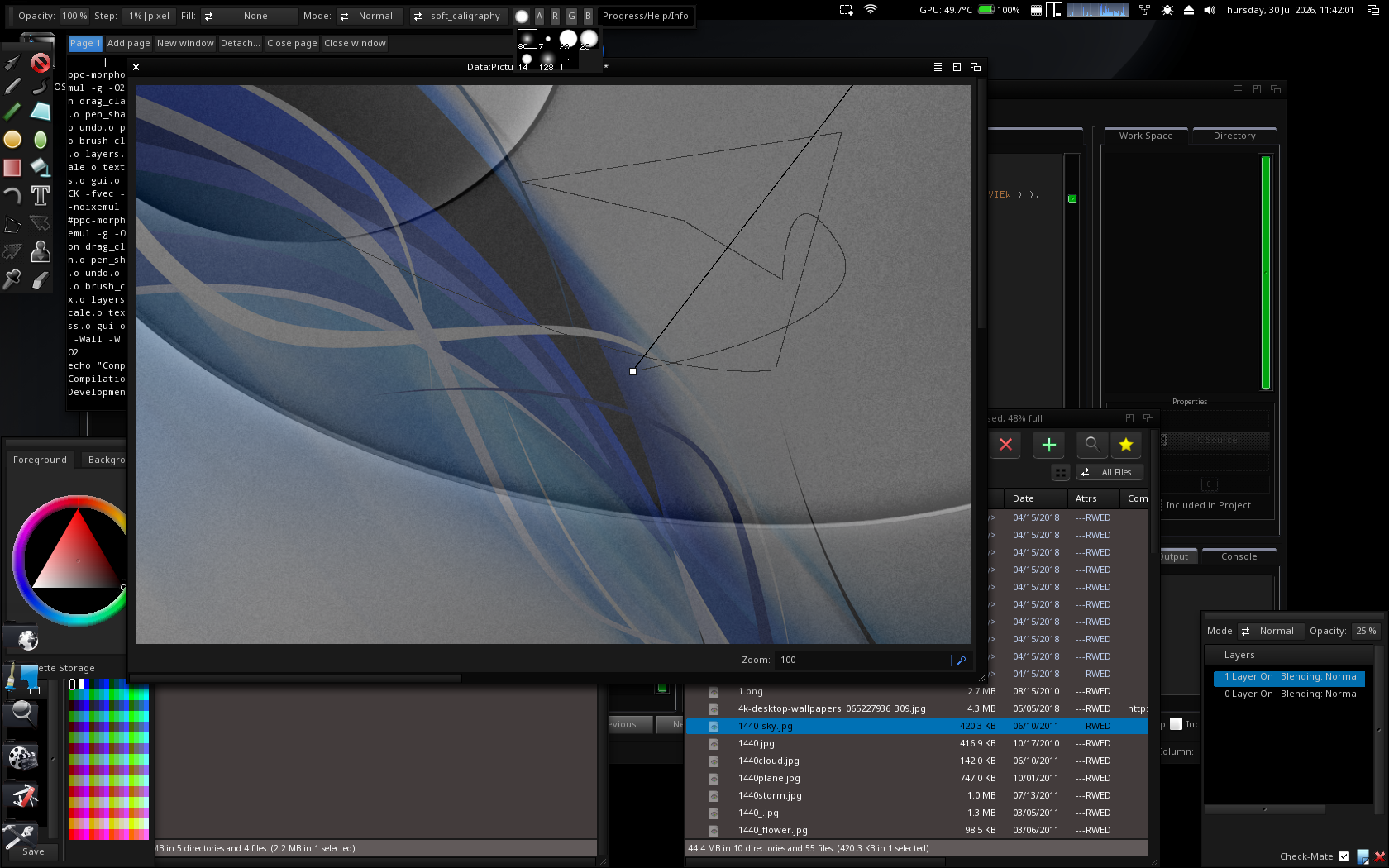
Pen & paths
🌀
Warp & perspective
🩹
Retouching & filters
🪟
Photoshop-style workspace
💻
Also on Windows
🔄
Free Transform
🔤
Vector text
🧰
Tool groups
📋
Clipboard & layers
🖌️
Brushes & tools
🛡️
More stable
🗂️
Layers
🎭
Layer masks
📈
Curves & colors
✨
Effects & plugins
🔲
Selections
🅣
Text
🖊️
Pen generator
🌈
Gradients
💾
Formats & projects
📐
Scaling & transforms
⚡
Fast & native
🌍
Speaks your language
Screenshots




Documentation
A quick tour
Download
Requirements
The download is Cameleon 1.4 for MorphOS of 11 November 2026 (about 38 MB): the Cameleon drawer with its icon, with everything marked Newest or New in 1.4 above, 65 effect plugins, the catalogs for seven languages and the manual in eight. It is built for MorphOS by cross-compiling, and this build has not yet been run on a MorphOS machine. Download the archive below and make sure you have a recent MorphOS.
Change history
- MorphOS · 2026-11-11 — The MorphOS download is now Cameleon 1.4: everything new in 1.4 above, with the program's own drawer and icon (no more "beta" in the name), the catalogs and the manual. Built by cross-compiling; this build has not yet been run on a MorphOS machine.
- 1.4 · 2026-11-11 — Filter ▸ Liquify in a window of its own, Character and Paragraph panels and several styles in one text layer, 16-bit and CMYK PSD and TIFF files, colour profiles converted to sRGB, pen tablet pressure, a painted filter mask for Smart Objects and any History step as the History Brush's source. The download is still the 1.3 archive of 27 October.
- 1.3 · 2026-11-10 — Smart Objects and Smart Filters with a filter mask, Select ▸ Modify, Grow and Similar, Layer via Copy and via Cut, Stamp Visible, Trim, Align and Distribute, Batch over subfolders, Help ▸ Manual, and in the desktop builds Open Recent, autosave with recovery and file names in any language.
- 1.3 · 2026-11-04 — Actions and Batch over a folder, alignment, Leading, Tracking and paragraph boxes for text, Warp Text, Text on a Path, Color Lookup, painting on saved selections, and GREXX scripts in the desktop builds.
- MorphOS · 2026-11-04 — The download is the 1.3 archive of 27 October. What came after it is cross-compiled for MorphOS as well and comes with the next archive.
- 1.3 · 2026-11-03 — Navigator, Info and Channels panels, the History Brush with snapshots, Straighten in the Crop tool, more PSD records for styles and adjustment layers, fixes from test reports, and a macOS build for testers.
- 1.3 · 2026-11-01 — The Histogram panel, the Liquify brush, Pattern Stamp and pattern fills, a blend mode and contour for each layer style, and Global Light.
- 1.3 · 2026-10-31 — Clipping masks, grouping several layers, Inner Shadow, Satin, Gradient and Pattern Overlay, Curves as an adjustment layer, OpenRaster and QOI, custom shape files and a Ratio for the Crop tool.
- 1.3 · 2026-10-28 — Content-Aware Fill, Patch, Smudge and Red Eye, Warp and Custom Warp, Quick Mask and saved selections, TIFF, WebP and GIF files, new filters, both builds fully in eight languages and a reprinted PDF manual.
- 1.3 · 2026-10-28 — Layer groups, adjustment layers and layer styles, the Pen with paths and shape layers, Skew / Distort / Perspective, the interface in eight languages and an updated manual.
- 1.3 · 2026-10-27 —Healing brushes and a Sponge, a Filter menu, keyboard shortcuts you can change, painting on layer masks, undo for whole-picture changes and a manual in eight languages.
- 1.2 · 2026-09-29 — Free Transform, text that stays sharp and editable when rotated or scaled, tool groups under one button, mask brushes and a real clipboard.
- 1.1 · 2026-09-10 — Smooth, evenly spaced brush strokes, a tabbed Layers / Color panel and a Photoshop-style tidy-up of the interface.
- Windows / Linux · 2026-09-04 — Cameleon on Windows and Linux: the same painting core under a GLUI interface, with the effect plugins and printing.
- 1.0 · 2026-08-28 — First stable release: a redrawn toolbar with an Eraser, 16 new effects, drag and drop of images and full localisation.
- 0.94 – 0.95 · 2026-07-30 — A parametric brush engine with a pen editor and picker, icon themes, selections, tone curves and live colour previews.
- 0.91 – 0.92 · 2026-06-21 — Unlimited undo and redo, fill tolerance, faster redraws and new adjustment plugins (levels, hue/saturation, Gaussian blur).
- 0.8 – 0.9 · 2026-05-21 — First versions: new adjustment plugins, a faster flood fill and many stability fixes.